
I’ve always wanted to build a satellite tracker… or rather, a Satellite HUNTER!
For years, I’ve watched others build ultra-cool desktop widgets that track any satellite you’re interested in, and I couldn’t resist the challenge. Imagine something that actually moves in sync with your favorite satellite as it orbits the heavens above us!
Which satellite, you ask? My favorite, the ISS (International Space Station), of course!
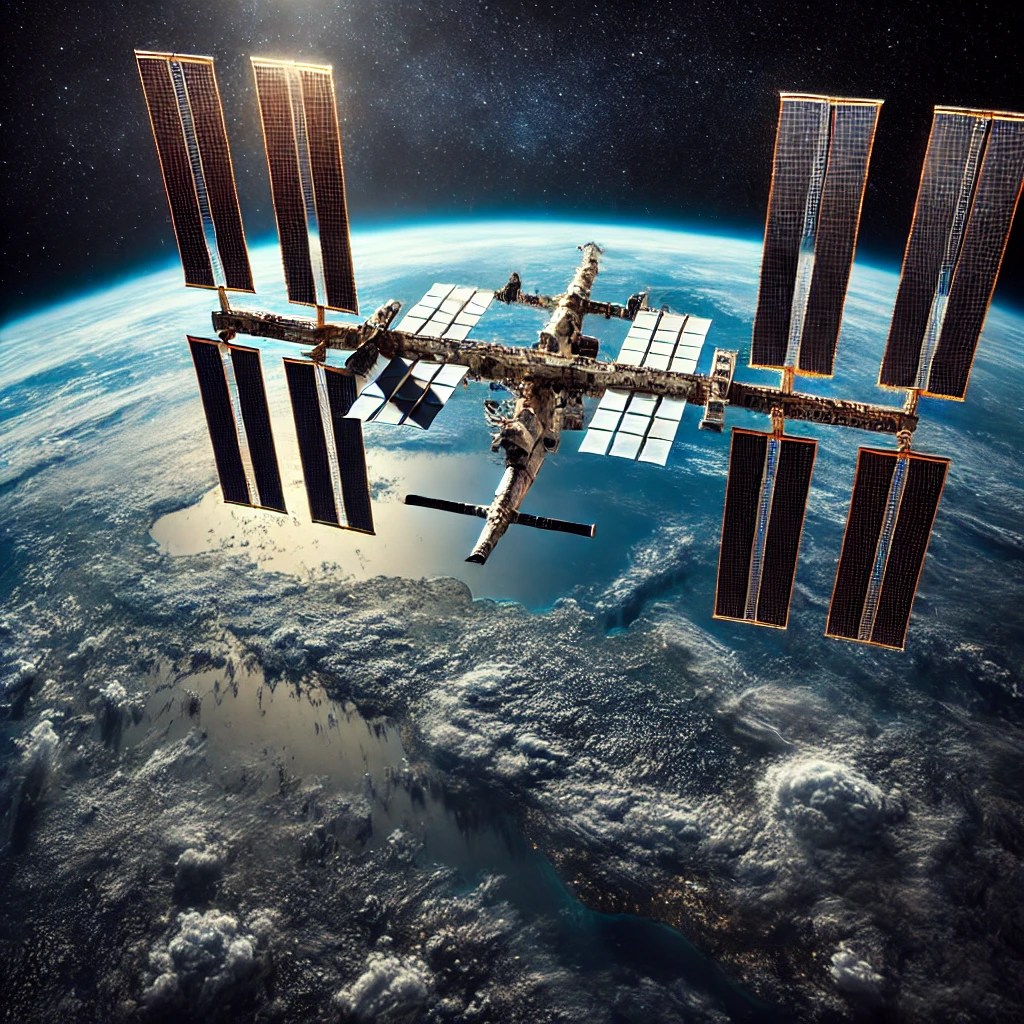 The ISS has fascinated me ever since I watched NASA launch its individual pieces into space. But how on Earth (pardon the pun) could I track where it is?
Naturally, I did what we all do—I turned to Google. I found a few projects that piqued my interest, but most were either no longer maintained, didn’t work quite right, or used overly complex software. None of them really captured the simple, hands-on experience I was looking for.
But that wasn’t going to stop me. OOOOHHHH no… I knew it would be possible with a little IOT (internet of things) magic.
With that, allow me to introduce you to the first blog post on Dr. Duino’s upcoming Satellite Hunter Project!
The ISS has fascinated me ever since I watched NASA launch its individual pieces into space. But how on Earth (pardon the pun) could I track where it is?
Naturally, I did what we all do—I turned to Google. I found a few projects that piqued my interest, but most were either no longer maintained, didn’t work quite right, or used overly complex software. None of them really captured the simple, hands-on experience I was looking for.
But that wasn’t going to stop me. OOOOHHHH no… I knew it would be possible with a little IOT (internet of things) magic.
With that, allow me to introduce you to the first blog post on Dr. Duino’s upcoming Satellite Hunter Project!
 This project is all about creating a 3D-printed, desktop-sized satellite tracker that’s not only functional but also a great conversation piece.
Imagine having your own miniature dish that follows satellites as they orbit the Earth in real-time, right from your desk!
And guess what? You can build one too!
Don’t worry if you’ve never touched electronics or coding before in your life—I’m going to break it down, step by step.
Cool, right?
I thought so… let’s dive right in!
This project is all about creating a 3D-printed, desktop-sized satellite tracker that’s not only functional but also a great conversation piece.
Imagine having your own miniature dish that follows satellites as they orbit the Earth in real-time, right from your desk!
And guess what? You can build one too!
Don’t worry if you’ve never touched electronics or coding before in your life—I’m going to break it down, step by step.
Cool, right?
I thought so… let’s dive right in!
 A quick Google search will show you that there are tons of websites that can help. For this project, we’ll be using Celestrak, along with a secondary site called N2YO to validate our calculations.
The key pieces of data you need from Celestrak are the azimuth and elevation as seen from the observer’s location (a.k.a. where you’re currently standing).
Azimuth is just a fancy word for the direction on the compass, and elevation is how high the satellite is in the sky.
Once you have that, you can easily point your Satellite Hunter to where the ISS (or any other satellite) is in the sky!
But here’s the catch: Celestrak DOES NOT give you that information directly.
Nope, you have to calculate that yourself FROM the data Celestrak provides.
A quick Google search will show you that there are tons of websites that can help. For this project, we’ll be using Celestrak, along with a secondary site called N2YO to validate our calculations.
The key pieces of data you need from Celestrak are the azimuth and elevation as seen from the observer’s location (a.k.a. where you’re currently standing).
Azimuth is just a fancy word for the direction on the compass, and elevation is how high the satellite is in the sky.
Once you have that, you can easily point your Satellite Hunter to where the ISS (or any other satellite) is in the sky!
But here’s the catch: Celestrak DOES NOT give you that information directly.
Nope, you have to calculate that yourself FROM the data Celestrak provides.

The ISS has fascinated me ever since I watched NASA launch its individual pieces into space. But how on Earth (pardon the pun) could I track where it is?
Naturally, I did what we all do—I turned to Google. I found a few projects that piqued my interest, but most were either no longer maintained, didn’t work quite right, or used overly complex software. None of them really captured the simple, hands-on experience I was looking for.
But that wasn’t going to stop me. OOOOHHHH no… I knew it would be possible with a little IOT (internet of things) magic.
With that, allow me to introduce you to the first blog post on Dr. Duino’s upcoming Satellite Hunter Project!
This project is all about creating a 3D-printed, desktop-sized satellite tracker that’s not only functional but also a great conversation piece.
Imagine having your own miniature dish that follows satellites as they orbit the Earth in real-time, right from your desk!
And guess what? You can build one too!
Don’t worry if you’ve never touched electronics or coding before in your life—I’m going to break it down, step by step.
Cool, right?
I thought so… let’s dive right in!
So… How Do We Know Where the ISS Is?
A quick Google search will show you that there are tons of websites that can help. For this project, we’ll be using Celestrak, along with a secondary site called N2YO to validate our calculations.
The key pieces of data you need from Celestrak are the azimuth and elevation as seen from the observer’s location (a.k.a. where you’re currently standing).
Azimuth is just a fancy word for the direction on the compass, and elevation is how high the satellite is in the sky.
Once you have that, you can easily point your Satellite Hunter to where the ISS (or any other satellite) is in the sky!
But here’s the catch: Celestrak DOES NOT give you that information directly.
Nope, you have to calculate that yourself FROM the data Celestrak provides.
What is TLE Data?
What Celestrak provides you with is something called “Two Line Elements” (TLE for short). This data describes physically where the satellite currently is in space. It contains its orbital parameters like its position, velocity, and a ton of other data. Think of it as the satellite’s address in space at any given moment. Here’s a quick example of what TLE data looks like for the ISS:
Now here is the catch, since the data you retrieve is relative to Earths Center, it won’t contain the elevation and azimuth relative to where you currently are standing.
NOPE, in order to get that data, we have to do a TON of complicated math based on where your two feet are physically located on the planet!
But don’t worry—there’s a pre-written library out there called SGP4 that effortlessly translates all of that data for you!
This library takes care of the heavy lifting, converting the TLE data into something we can use to physically move our satellite dish.
 Now you might be wondering, “Okay… well, how do I do all of this stuff?”
EASY!!! Inside of a super compact module called an ESP32. Think of it as the brains of the operation that you can program to talk to Celestrak over your Wi-Fi network.
The ESP32 is an incredible little device. It’s cheap (you can get one for around 10 bucks on Amazon!), it has built-in Wi-Fi, and it’s perfect for projects like this. It’s what will ask Celestrak where your favorite satellite currently is, calculate the azimuth and elevation in relation to where you are physically standing, and then send that data to the stepper motors that will move your 3D-printed Satellite dish.
Don’t worry if this sounds a bit overwhelming—we’ll take it one step at a time. You’ll learn how to set up your ESP32, connect it to your Wi-Fi, fetch the TLE data, and convert that data into meaningful movement for your satellite dish.
Now you might be wondering, “Okay… well, how do I do all of this stuff?”
EASY!!! Inside of a super compact module called an ESP32. Think of it as the brains of the operation that you can program to talk to Celestrak over your Wi-Fi network.
The ESP32 is an incredible little device. It’s cheap (you can get one for around 10 bucks on Amazon!), it has built-in Wi-Fi, and it’s perfect for projects like this. It’s what will ask Celestrak where your favorite satellite currently is, calculate the azimuth and elevation in relation to where you are physically standing, and then send that data to the stepper motors that will move your 3D-printed Satellite dish.
Don’t worry if this sounds a bit overwhelming—we’ll take it one step at a time. You’ll learn how to set up your ESP32, connect it to your Wi-Fi, fetch the TLE data, and convert that data into meaningful movement for your satellite dish.
 What’s Inside?
What is an ESP32 and Why Do We Need It?
Now you might be wondering, “Okay… well, how do I do all of this stuff?”
EASY!!! Inside of a super compact module called an ESP32. Think of it as the brains of the operation that you can program to talk to Celestrak over your Wi-Fi network.
The ESP32 is an incredible little device. It’s cheap (you can get one for around 10 bucks on Amazon!), it has built-in Wi-Fi, and it’s perfect for projects like this. It’s what will ask Celestrak where your favorite satellite currently is, calculate the azimuth and elevation in relation to where you are physically standing, and then send that data to the stepper motors that will move your 3D-printed Satellite dish.
Don’t worry if this sounds a bit overwhelming—we’ll take it one step at a time. You’ll learn how to set up your ESP32, connect it to your Wi-Fi, fetch the TLE data, and convert that data into meaningful movement for your satellite dish.
What Will You Need for This Project?
The great thing about this project is that it’s super affordable. You only need a few components:- An ESP32 module (the brains)
- Two stepper motors (to move the satellite dish)
- A handful of wires (to connect everything)
- A 3D-printable satellite dish (don’t have a 3D printer? No worries—most local libraries have one you can use for free!)
What’s Inside?
- Exclusive Tips & Tricks: Get insider knowledge that will save you time and help you avoid common pitfalls.
- Real-World Applications: Discover how IoT can revolutionize your everyday life, from smart homes to innovative tech solutions.
- BONUS Code Included: Access exclusive coding examples and resources that will kickstart your IoT journey!